 |
No Thanks! |
 |
Wow! Thanks for the opportunity.
Its amazing! The highly sophisticated technology used is awesome! |
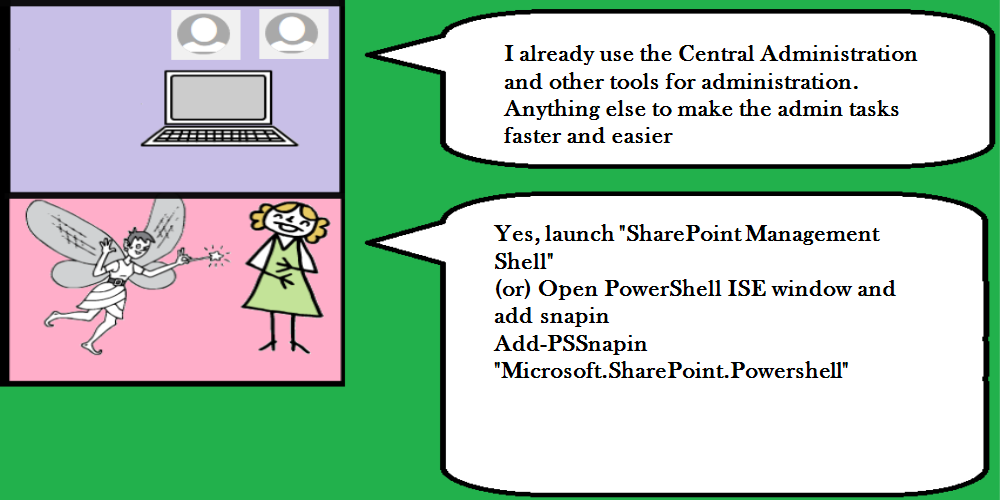 |
Yes, launch "SharePoint Management Shell"
(or) Open PowerShell ISE window and add snapin
Add-PSSnapin "Microsoft.SharePoint.Powershell" |
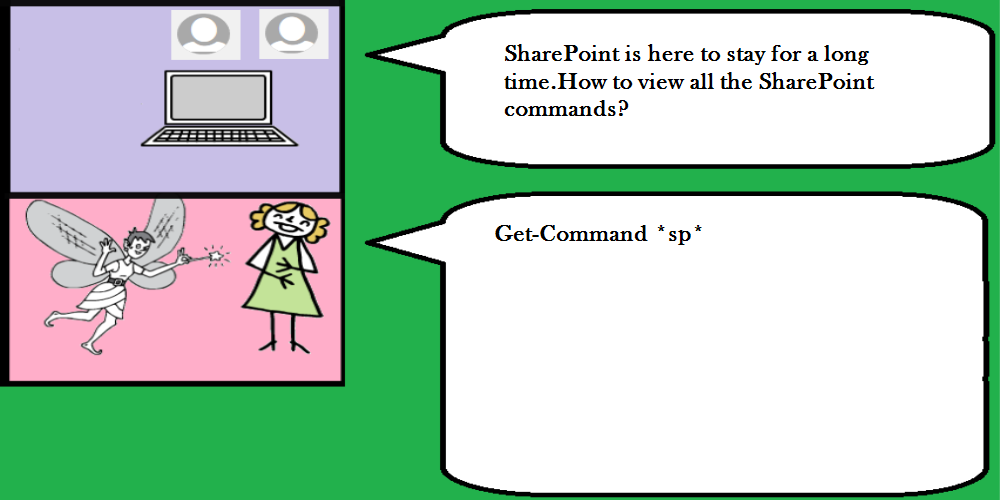 |
Get-Command *sp* |
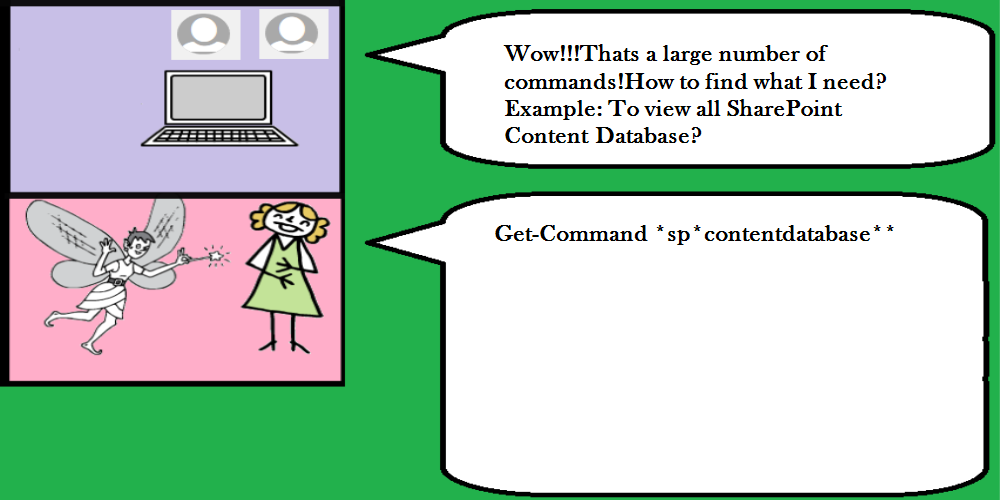 |
Get-Command *sp*contentdatabase** |
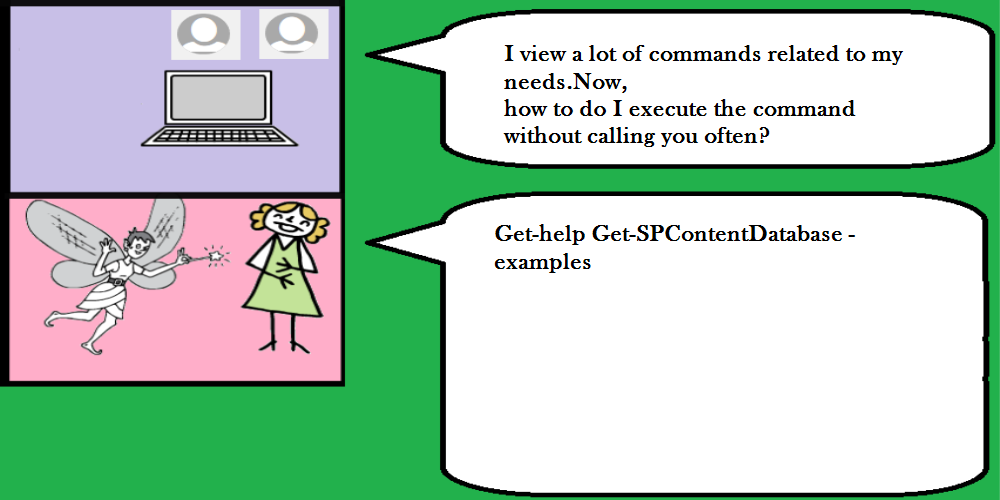 |
Get-help Get-SPContentDatabase -examples |
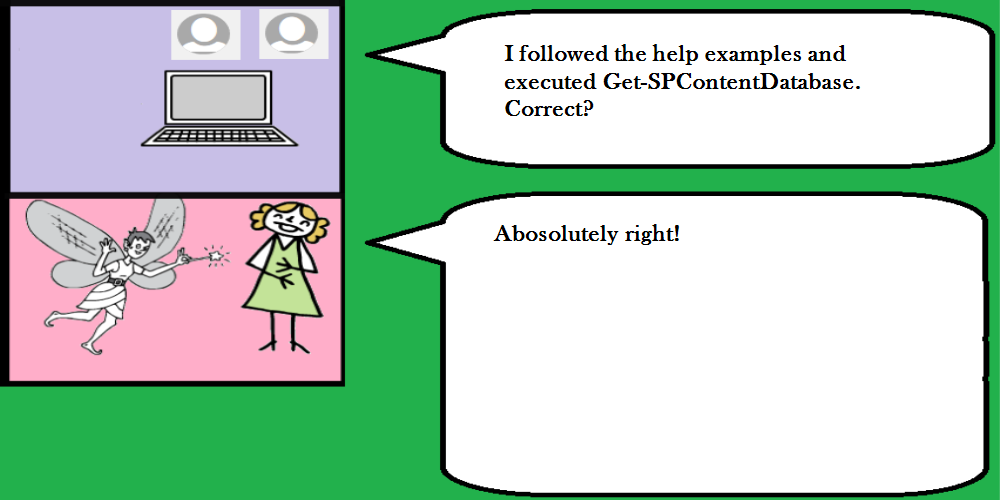 |
Abosolutely right! |
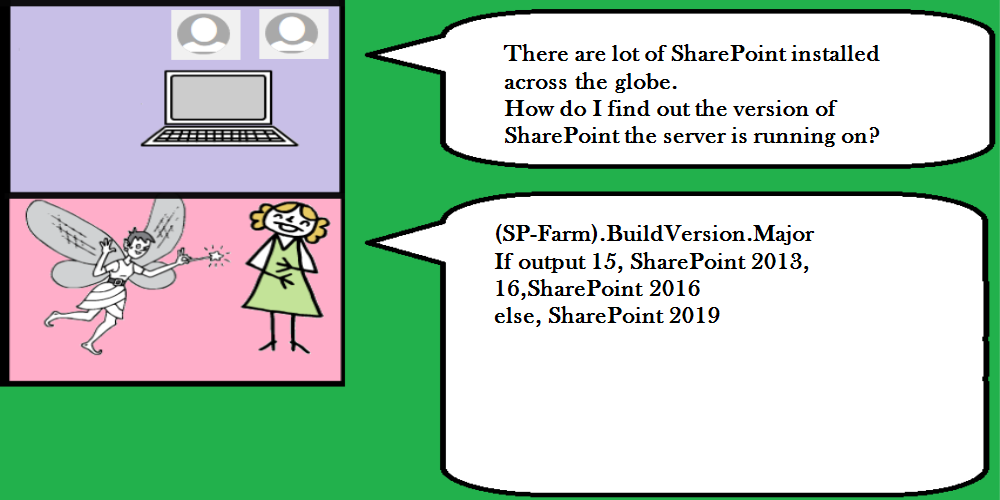 |
(SP-Farm).BuildVersion.Major
If output 15, SharePoint 2013,
16,SharePoint 2016
else, SharePoint 2019 |
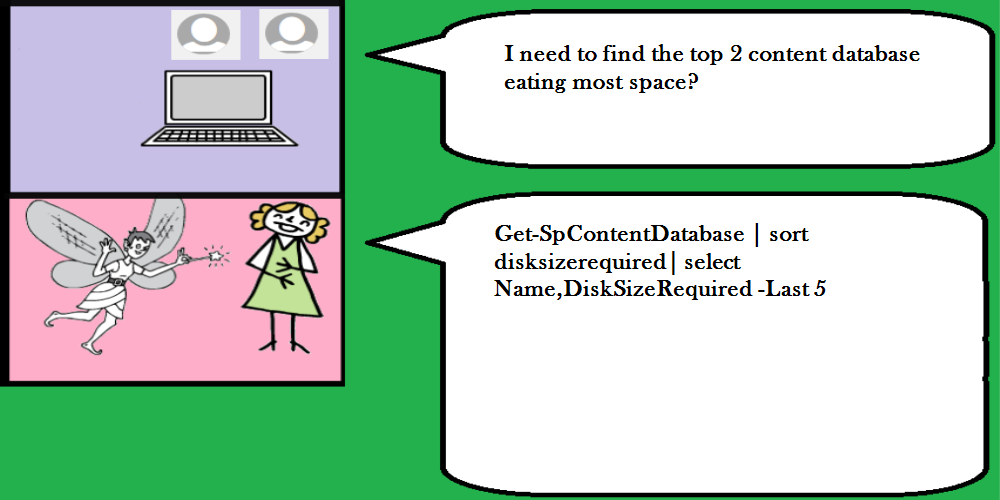 |
Get-SpContentDatabase | sort disksizerequired| select Name,DiskSizeRequired -Last 5 |
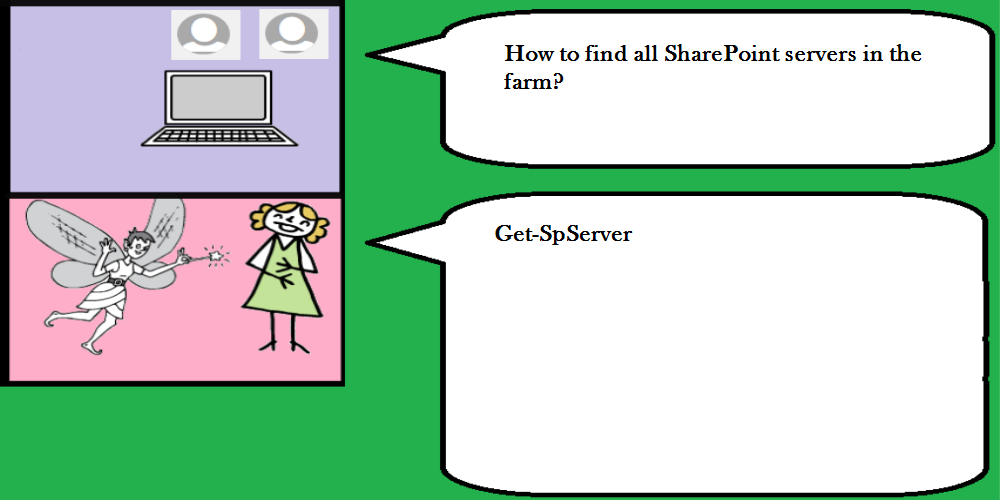 |
Get-SpServer |
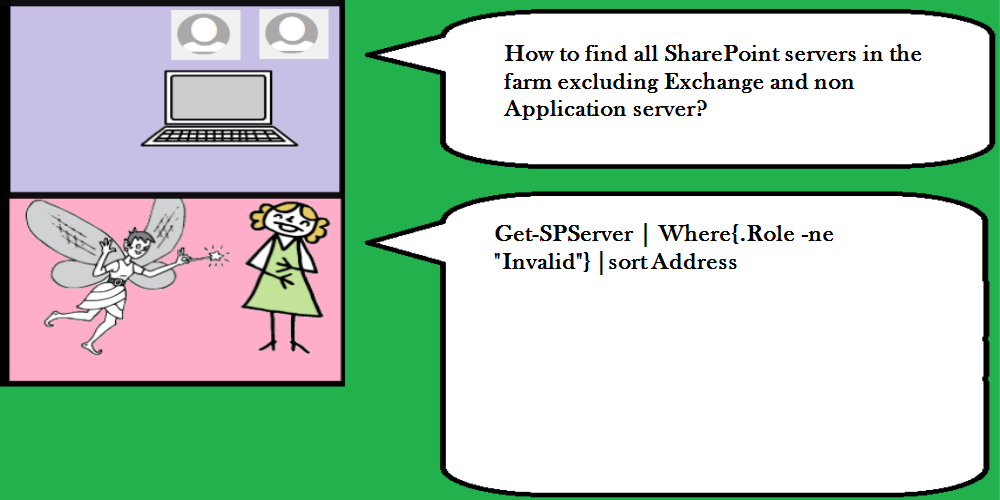 |
Get-SPServer | Where{.Role -ne "Invalid"} |sort Address |
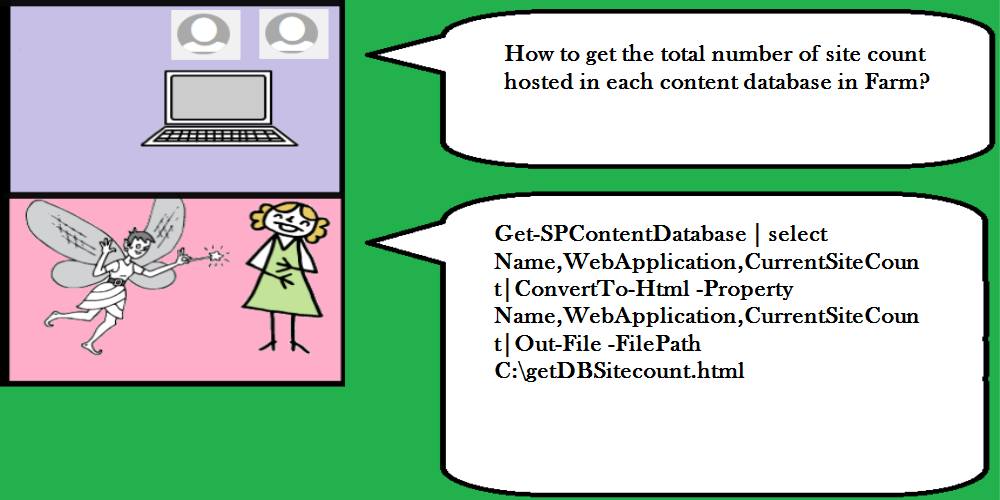 |
Get-SPContentDatabase | select Name,WebApplication,CurrentSiteCount|ConvertTo-Html -Property Name,WebApplication,CurrentSiteCount|Out-File -FilePath C:\getDBSitecount.html |
 |
Get-SPSite -limit all| measure |
 |
New-SPSite -Url "http://intranet.contoso.com/sites/demo" -Template "STS#0" -Name "Demo" -OwnerAlias "contoso\administrator" |
 |
Get-SPSite -Limit all -CompatibilityLevel 14 |
 |
Get-SPSite | select url, {.Usage.Storage} |
 |
Get-SPSite http://intranet.contoso.com/* -Limit 100 |
 |
Get-SPWebApplication http://intranet.contoso.com | Get-SPSite -Limit All |ForEach-Object {$sum=0}{ $sum+=$_.Usage.Storage }{$sum} |
 |
Get-SPSite -Filter {.Owner -like "*contoso\garthf*"} -Limit All
For very large data
Start-SPAssignment -global;Get-SPSite -Filter {.Owner -like "*contoso\garthf*"} -Limit 20 ;Stop-SPAssignment -global |
 |
(Get-SPSite -Identity "http://intranet.contoso.com").AllowDesigner
You can also view other important properties like AllowExternalEmbedding and AllowMasterPageEditing
and update by assigning to true or false as per your needs |
 |
(Get-SpWeb -Identity "http://intranet.contoso.com").AllUsers |
 |
(Get-SpWeb -Identity "http://intranet.contoso.com").SiteAdministrators |
 |
Get-SPWEbApplication | Get-SPSite -Limit All|Get-SPWEb -Limit All|?{.SiteAdministrators -like "*chris*"} |
 |
(Get-SpWeb -Identity "http://intranet.contoso.com").AllProperties|format-table -wrap |
 |
Yes.
Get-SPUser -Web "http://intranet.contoso.com/sites/contoso/blog2" |
 |
Get-SPUser -Web "http://intranet.contoso.com/sites/contoso/blog2" |measure |
 |
Get-SPUser -Web "http://intranet.contoso.com/sites/contoso/blog2"|?{.IsSiteAdmin -eq True} |
 |
Get-SPUser -Web "http://intranet.contoso.com/sites/contoso/blog2"|?{.DisplayName -like "j*"} |
 |
(Get-SPUser -Web "http://intranet.contoso.com/sites/contoso/blog2").DisplayName
You can view other properties like Email,Groups,UserID,UserLogin if needed.
For updating properties: Set-SPUser –Identity $userID -DisplayName $newUserName –Web $spWeb |
 |
Backup-SPSite -Identity "http://intranet.contoso.com/sites/contoso" -Path "C:\SPBackUp\contoso1.bak" -verbose |
 |
Export-SPWeb -Identity "http://intranet.contoso.com/sites/contoso" -Path "C:\SPBackUp\contosoWeb1.bak"
Import-SPWeb -Identity "http://hrweb.contoso.com/Sample" -Path "C:\SPBackUp\contosoWeb1.bak" |
 |
Get-SPBackupHistory -Directory "c:\SPBackUp" |
 |
Get-SPDeletedSite | select Path , siteid
Restore-SPDeletedSite -Identity (SITE ID) |
 |
Test-SPContentDatabase -name WSS_Content_DB –webapplication
Other important cmdlets related to Upgrade
Mount-SPContentDatabase -Name "Wss_Content_Upgrade2016"
Get-SPSite -ContentDatabase () -Limit All | Upgrade-SPSite -VersionUpgrade |
 |
Merge-SPLogFile -Path -Correlation |
 |
$spWEb.Features | select * |?{.TimeActivated -gt (Get-Date).AddDays(-30)} |
 |
$pool = Get-SPServiceApplicationPool -Identity "SharePoint Web Services Default"
$DbName = "SubscriptionSettingsSA_DB"
$saName = "Site Subscription Settings Service Application" |
 |
Create a new Service Application
New-SPSubscriptionSettingsServiceApplication -Name $saName -DatabaseServer "w15-sp" -DatabaseName $DbName -ApplicationPool $pool |
 |
Yes
New-SPSubscriptionSettingsServiceApplicationProxy -Name $saName + " Proxy" |
 |
Add-SPSolution -LiteralPath "C:\Demo\wspDemo\SharePointCustomImageLoad.wsp"
# Install Solution
Install-SPSolution -Identity "SharePointCustomImageLoad.wsp" -GACDeployment -force |
 |
Install-SPApp -Web URL -Identity (Import-SPAppPackage -Path "c:\customapp.app" -Site URL "https://intranet.contoso.com") |
